
Configuration versions
A project’s configuration is its normalization attributes and rules, its data services and its channels’ rules. Sources, deliveries and schedules are not part of it, so a configuration never holds a password.
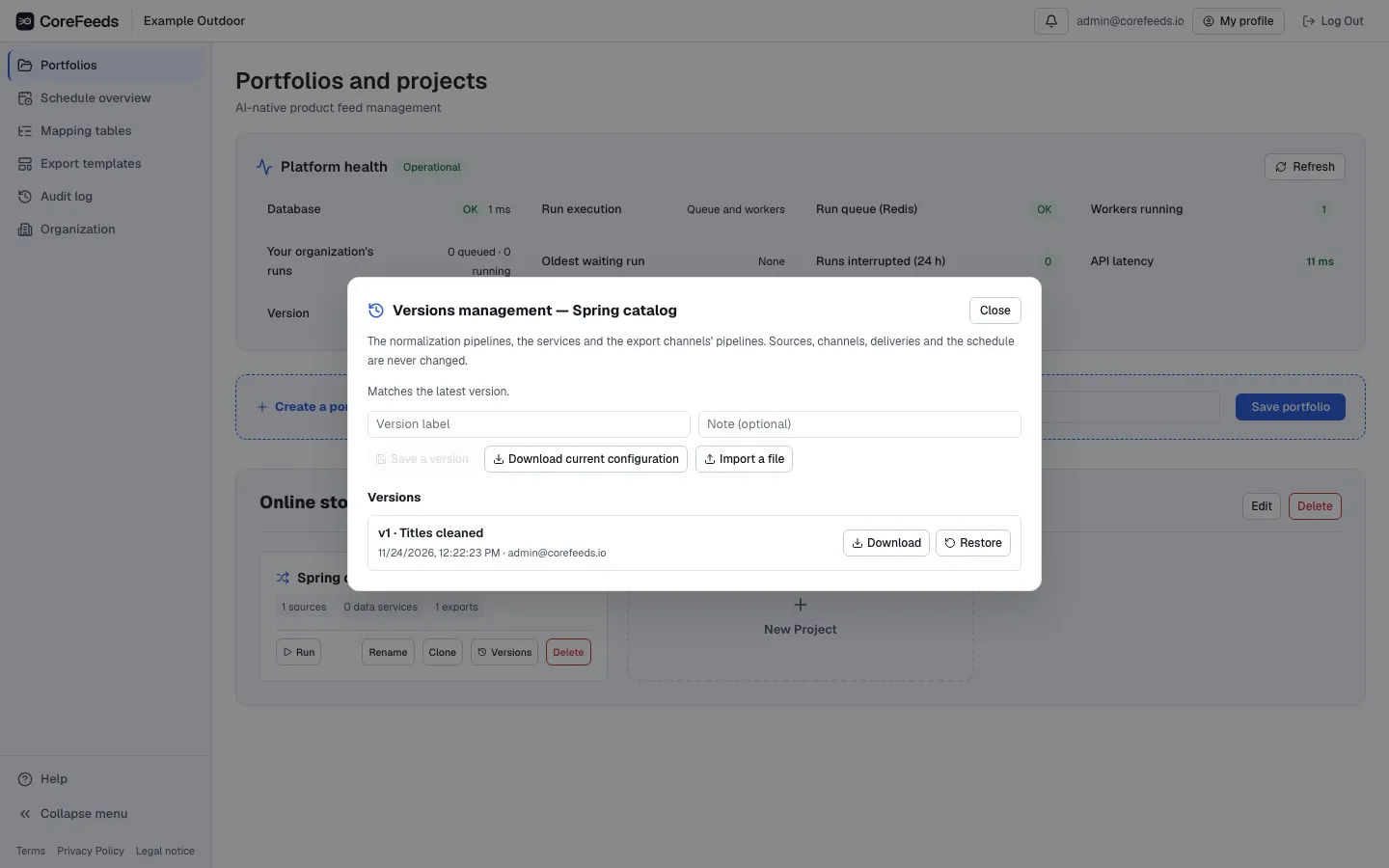
Open it with Versions on the project’s card, on the Portfolios page. You need to be able to edit the project.
Save and restore
Section titled “Save and restore”- Save a version: give it a label, and a note if you like. Versions are numbered v1, v2, v3…
- Restore first shows what will change, then Apply. Restoring never erases history: restoring v3 when the latest is v7 records v8, “Restored from v3”. Unsaved changes are saved first as an automatic version.
- Delete removes an old version for good. The latest one cannot be deleted.
Before an AI assistant changes a project, the configuration is saved as a version, so you can always go back.
Copy a configuration to another project
Section titled “Copy a configuration to another project”Download saves a version, or the current configuration, as a file. Import a file in another project replaces its configuration with the file’s. Before anything changes, you see what changes and what prevents it:
- data services on a source go to the source of the same name;
- channel rules go to the channel of the same name; no channel is ever created;
- mapping tables are found by name.
A restore or an import is refused while the project is running.
Move a project to another portfolio
Section titled “Move a project to another portfolio”Move on the project’s card. For each portfolio mapping table the project uses, choose to move it along, make it an organization table, or leave it. Feed links do not change.