
Run details and feed quality
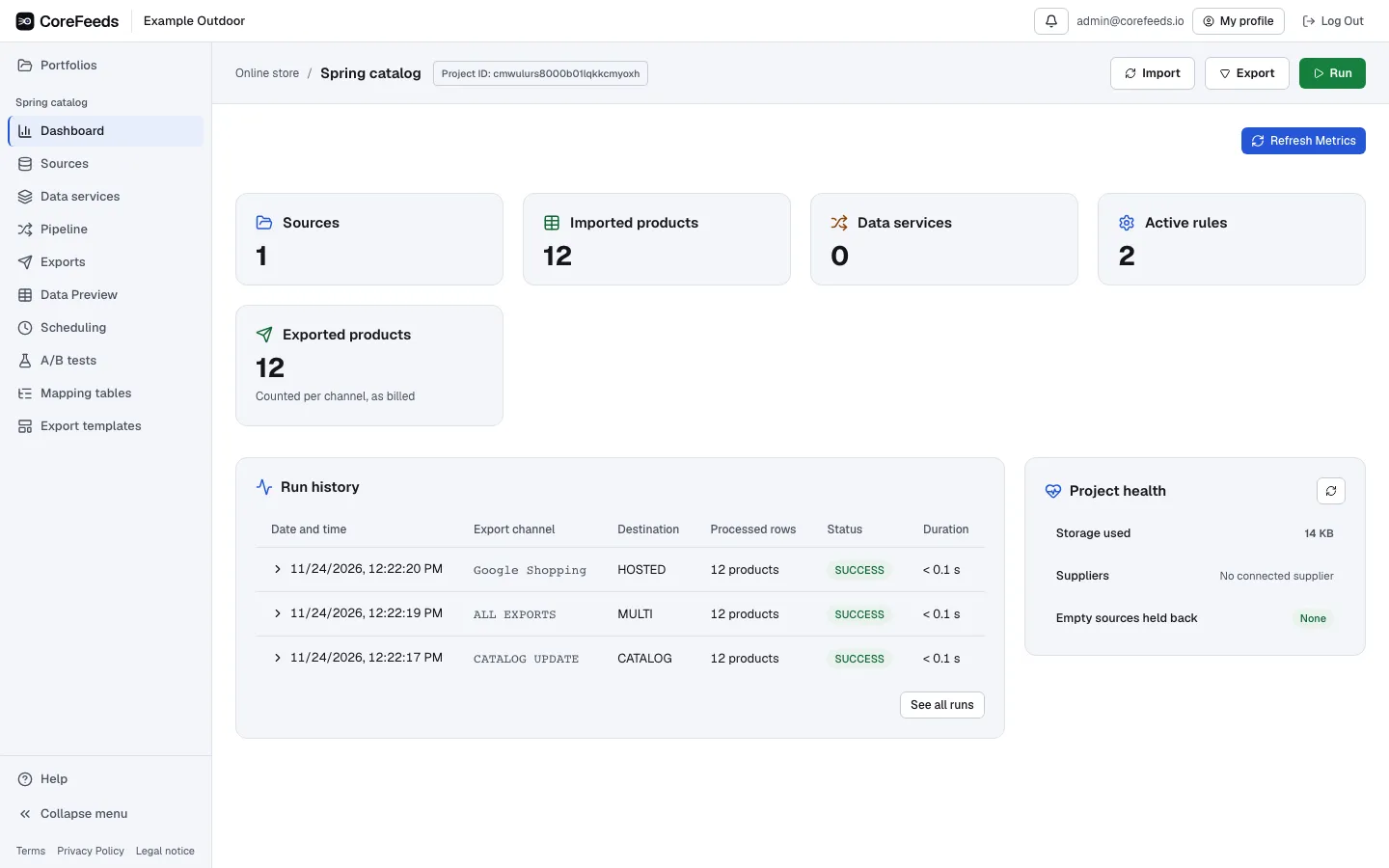
The project’s Dashboard lists the latest runs under Run history. See all runs opens every run still kept, newest first, with filters on the status, who started it, the export channel and the dates. Runs are kept 30 days.
Statuses
Section titled “Statuses”| Status | Meaning |
|---|---|
| Success | The feed was built and delivered. A run can succeed with warnings: read them. |
| Failed | The run stopped; its details say why. The previous feed stays published. |
| Skipped | An automatic run came too soon after the previous one and was not started. |
| Queued, Running | The run is waiting for its turn, or in progress. |
| Cancelled | Someone cancelled it. |
What a run did
Section titled “What a run did”Click a run’s date to open its details:
- how many products were in the catalog, after the normalization rules, and in the feed;
- how many products each exclusion rule left out;
- how many products have each attribute empty, such as
gtinorimage_link; - the configuration version the run used, or Unsaved when it ran unsaved changes.
These figures cover every product of the run, not only the preview’s first rows.
Feed quality
Section titled “Feed quality”Every product of the feed is checked against what the channel expects: required attributes, length, allowed values, numbers, number of items. The Feed quality section lists each problem with the attribute, the number of products and an example, for instance a title longer than 150 characters or a condition that is not new, used or refurbished. Repeated id values are reported too.
These checks only warn: a run never fails because of them. Fix what they show with a rule, check the result in the preview, then run again.